Sale!

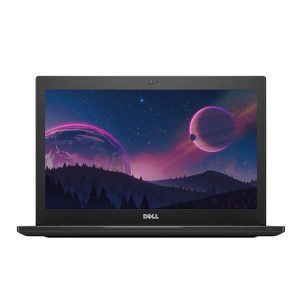
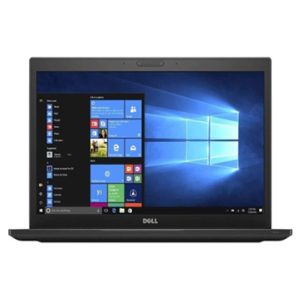
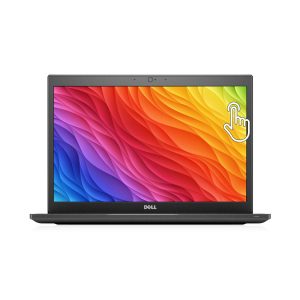
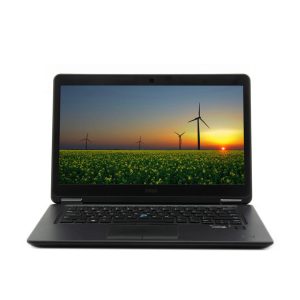
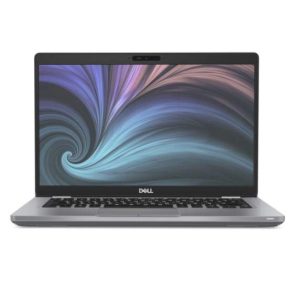
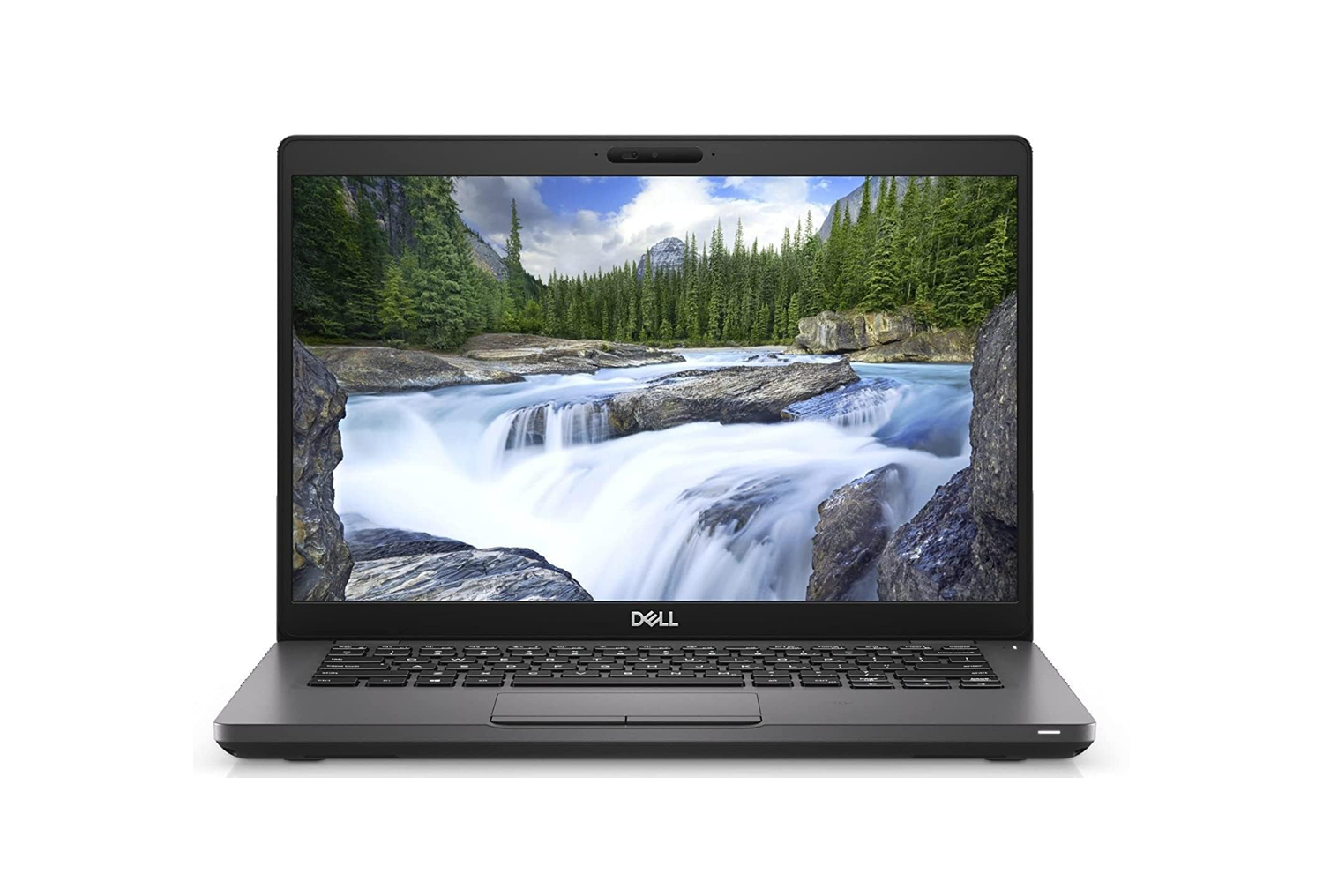
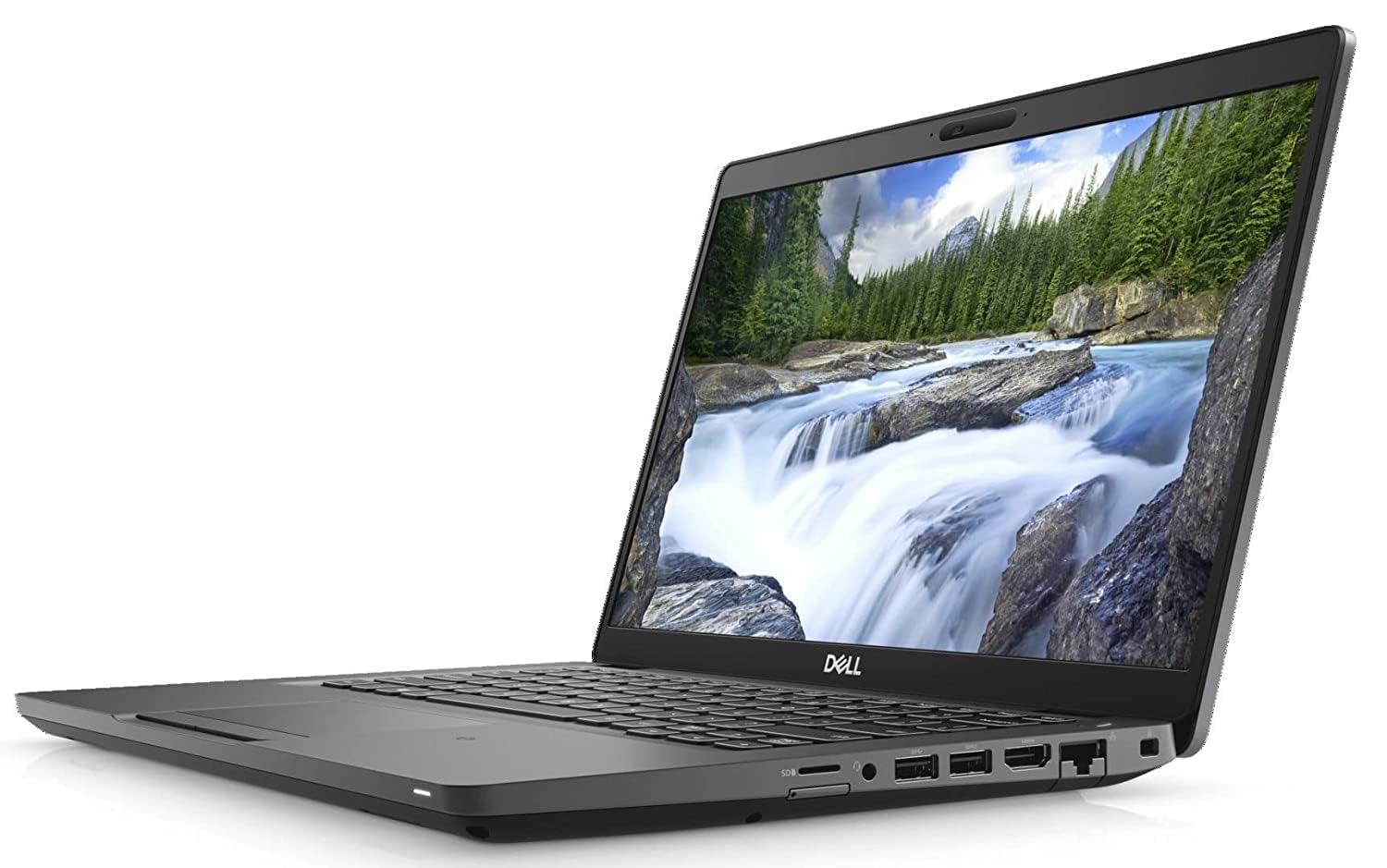
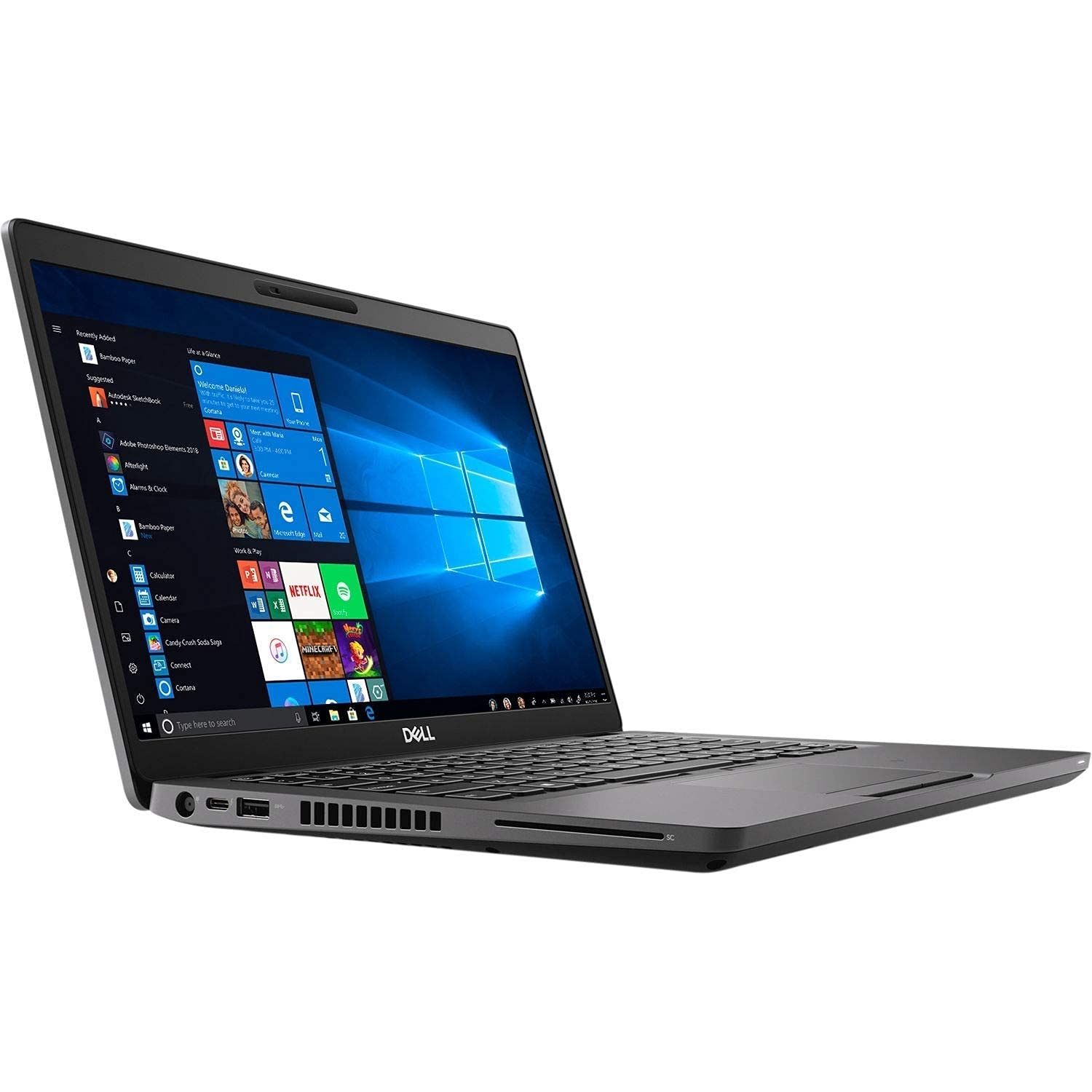
Dell Latitude 5400 (Core i7 8th Gen/ 32GB Ram/ 512GB SSD/Webcam/ 14″ Non Touch/Win-10 Pro)

Brand Dell
Model Name Dell Latitude 5400
Screen Size 14 Inches
Colour Black
Hard Disk Size 512 GB
CPU Model Core i7-8650U
RAM Memory Installed Size 32 GB
Operating System Windows 10 Pro
Special Feature Webcam
Graphics Card Description Integrated

About this item

  • This Certified Refurbished product is tested to work and look like new with minimal to no signs of wear & tear.
  • The product comes with relevant accessories and is backed by a minimum three months supplier backed warranty.
  • Dell Latitude 5400 Core i7 8th Gen
  • 32 GB Ram/ 512GB SSD
  • Webcam/ 14″ Non Touch
  • Win-10 Pro & MS Office 365

Original price was: ₹58,999.Current price is: ₹27,999.

What is in the box

  • Laptop
  • Battery
  • Adapter
  • Power cord

Set up your computer

Steps

  1. Connect the power adapter and press the power button.
    NOTE: To conserve battery power, the battery might enter power saving mode.

    Set up your computer

  2. Finish Windows system setup.

    Follow the on-screen instructions to complete the setup. When setting up, Dell recommends that you:

    • Connect to a network for Windows updates.
      NOTE: If connecting to a secured wireless network, enter the password for the wireless network access when prompted.
    • If connected to the internet, sign-in with or create a Microsoft account. If not connected to the internet, create an offline account.
    • On the Support and Protection screen, enter your contact details.
  3. Locate and use Dell apps from the Windows Start menu—Recommended
    Table 1. Locate Dell apps
    Dell apps Details
    Image: Dell Product Registration Dell Product Registration

    Register your computer with Dell.

    Image: Dell Help and Support Dell Help & Support

    Access help and support for your computer.

    Image: Support Assist SupportAssist

    Proactively checks the health of your computer’s hardware and software.

    NOTE: Renew or upgrade your warranty by clicking the warranty expiry date in SupportAssist.
    Image: Dell Update Dell Update

    Updates your computer with critical fixes and important device drivers as they become available.

    Image: Dell Digital Delivery Dell Digital Delivery

    Download software applications including software that is purchased but not preinstalled on your computer.

  4. Create recovery drive for Windows.
    NOTE: It is recommended to create a recovery drive to troubleshoot and fix problems that may occur with Windows.
    For more information call +91 8750002875, 8750003875 or write us at support@lowestrate.in
0
    0
    Your Cart
    Your cart is emptyReturn to Shop